Types of Web Speed Measurement: Synthetic, Chrome UX Report, and Real User Monitoring
In this article, let's clarify the differences between the various types of web speed measurement. We’ll discuss synthetic data (“synth”), data from Google users (“CrUX”), and data from all users (“RUM”).
These measurements are part of automated website speed monitoring, which we strongly recommend keeping enabled.
CrUX as the foundation, synth as the essential complement
The foundation is always data from Google users (Chrome UX Report, CrUX), which provides a robust measure of user experience and also influences organic search performance and cost-per-click in Google Ads.
Numbers from Google’s users in our speed tester are complemented by synthetic measurements (the so-called “synth”), which we collect daily to monitor metric values and identify specific issues.
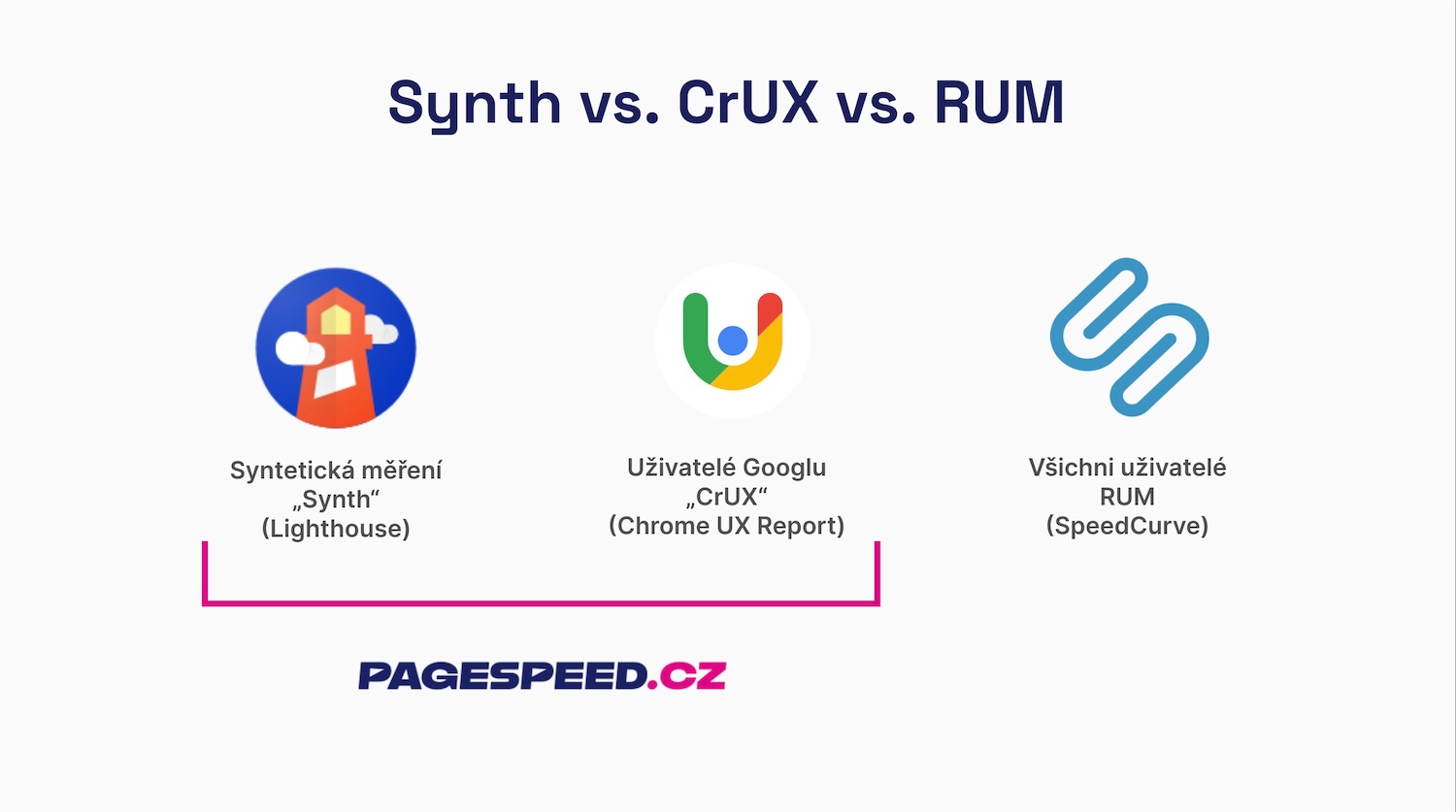 “Synthetic and CrUX — you can’t do this without them.”
For larger sites or justified cases, we supplement CrUX and synthetic data with Real User Monitoring (RUM) to monitor all users.
Synthetic data (synth)
Data are collected automatically, for example via Lighthouse or WebPageTest.org.
- Pros: Detailed speed reports.
- Cons: It only covers the initial load, so user metrics such as INP or CLS are not captured here or are unreliable.
In our testing monitoring we rely on our own Lighthouse setup.
Data from Google users (CrUX)
Data from the Chrome UX Report (CrUX) come directly from Google Chrome users.
- Pros: All Core Web Vitals metrics are measured directly from real users.
- Cons: Data are typically cumulative over the last 28 days and usually only for the entire domain, not per URL.
In our Monitoring Plus, we pull per-page CrUX data via the CrUX API. Data for monthly charts in the Domains report come from CrUX data on BigQuery.
Data from all users (RUM)
Real User Monitoring (RUM) can collect data from all users or from a sample.
- Pros: JavaScript-collected data is available instantly.
- Cons: Costly, resource-intensive to implement and analyze, and yields different values than CrUX.
PageSpeed.cz monitoring does not currently collect RUM data. We recommend collecting RUM data only for larger sites or when you have specific needs (e.g., INP optimization), and we use SpeedCurve RUM for these purposes.
Differences between specific metrics
Broadly speaking, the data collection for Web Vitals differs across synthetic, CrUX, and RUM as follows:
| synth | RUM | CrUX | |
|---|---|---|---|
| LCP | 1.57 s | 1.66 s | 2.22 s |
| CLS | 0.01 | 0 | 0.05 |
| INP | - | 136 ms | 310 ms |
A few notes on the table:
- Higher CrUX LCP (Chrome UX Report) versus RUM can be explained by device mix, since CrUX mobile data are collected only on Android.
- Synthetic data are limited to a small set of tests on a few devices, so their values aren’t taken as definitive, but they help monitor changes across the site (see the Watchdog report).
- INP isn’t captured by synthetic data. In CrUX, for SPA-type apps, data accumulate over time, so they tend to be worse here.
- Similarly, CLS can appear highest in CrUX because it’s tracked over the entire user session, not just the first load (synthetic) or until data are sent (RUM).
If you’d like to dive deeper, check out the Web.dev article on CrUX and RUM differences.